Video Game Mod APK 3.0.8 [Unlocked][Premium]
Trusted Update on: 2025-08-19
| App name | Video Game Mod APK 3.0.8 [Unlocked][Premium] |
| Version | 3.0.8 |
| Update on | 2025-08-19 |
| Size | 254.82 MB |
| Price | Free |
| Rating | 4.7 |
| System | Android 7.0 (N) |
| Mod info | Unlocked; Premium |
| Developer | Actduck Games |
| Category | Arcade |
| Get it on Google Play | Video Game |
| Download original apk | Video Game (138.04 MB) |
| Share | |
Download Links:
Video Game Mod APK 3.0.8 [Unlocked][Premium]Use HappyMod App to get faster download!
You can still download from this domain (happymod.to) for now, but we strongly recommend switching to our new official domain for future updates and support: Download Video Game at HappyMod.net.
* All mod apks are uploaded by users. If there is any infringement, please
contact us to remove it.
|
|
# Mod Info
The main advantages / modifications of Video Game Mod APK 3.0.8 [Unlocked][Premium]
◉ Premium Features Unlocked
◉ CPUs: arm64-v8a, armeabi-v7a
◉ Debug Info Removed
+Table Of Contents
# Video Game Mod APK 3.0.8 [Unlocked][Premium] Features:
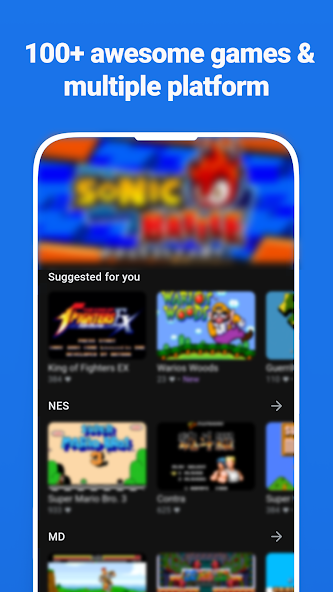
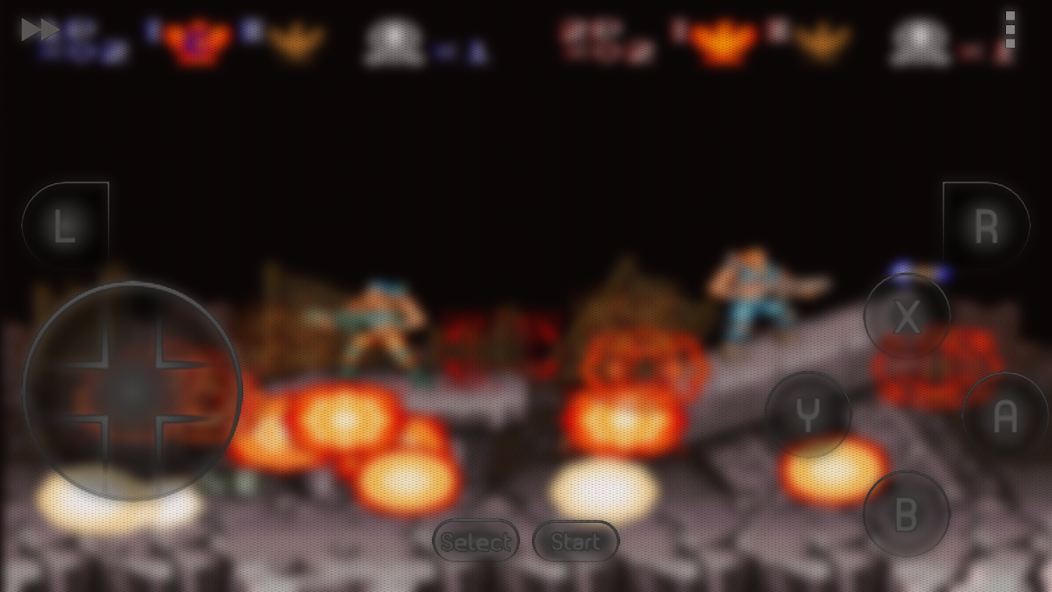
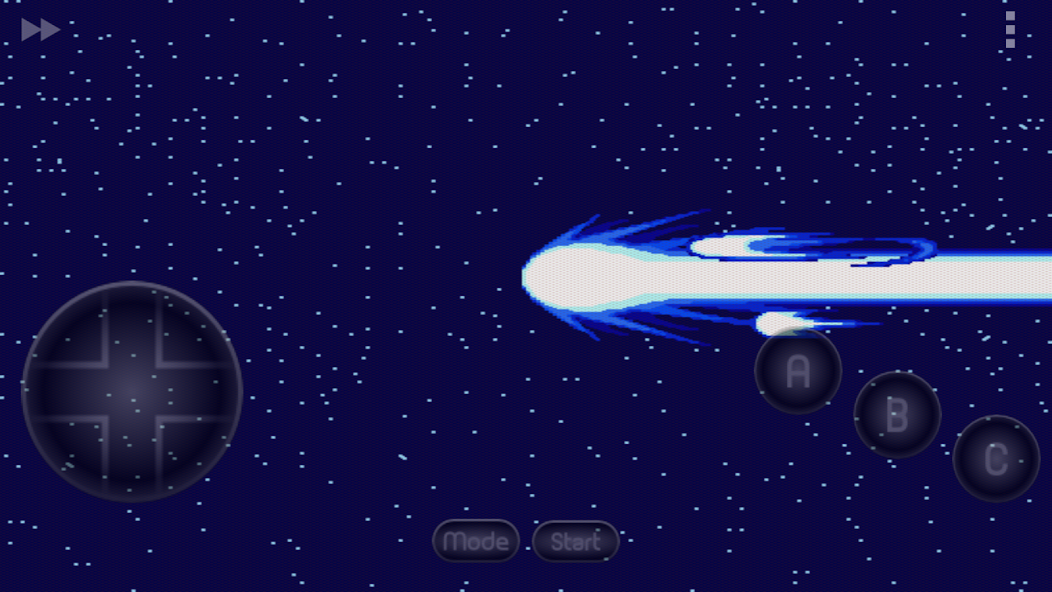
First of all let us introduce it for you, If you want to play classical games and relive your favorite retro games from other platforms directly on your Android, Our Video Game is a good choice. This app can emulating any platform you can imagine. Download games for any console and enjoy it.
Please visit http://www.actduck.com for more information
Thank you for using this app!
# How to download and install Video Game Mod APK 3.0.8 [Unlocked][Premium]?
// Option A //
To download Video Game mod from HappyMod.to.
You need enable the option "Unknown Sources".
1. Click on the above link to download Video Game mod APK.
2. Save the file in your device Downloads folder.
3. Now tap on Install and wait for the installation to finish.
4. Once it is done, open the game and start playing it right away.
// Option B //
To download Video Game from HappyMod APP, you can follow this:
1. Open your browser and download the HappyMod APK file from HappyMod.to - the only official website of HappyMod.
2. Open Android Settings and go into Privacy or Security.
3. Tap the option to Allow Unknown Sources and enable it.
4. Go to your Android downloads and tap the APK file.
5. Follow the directions on the screen to install it.
6. Search Video Game in HappyMod App.
# Full Specifications of Video Game Mod APK 3.0.8 [Unlocked][Premium]
// Download Information //
| Size | 254.8MB |
| Version | 3.0.8 |
| Version Code | 90 |
| Lang | af am ar ar-SA as az be bg bn br bs ca cs da de de-DE el en en-AU en-CA en-GB en-IN en-XC es es-419 es-ES es-US et eu fa fi fr fr-CA fr-FR gl gu hi hr hu hy id in is it it-IT iw ja ka kk km kn ko ko-KR ky lo lt lv mk ml mn mr ms my nb ne nl or pa pl pt pt-BR pt-PT ro ru ru-RU si sk sl sq sr sr-Latn sv sv-SE sw ta te th tl tr tr-TR uk uk-UA ur uz vi zh zh-CN zh-HK zh-MO zh-TW zu |
// Operation Systems //
| Permission | INTERNET READ_EXTERNAL_STORAGE' maxSdkVersion='29 WRITE_EXTERNAL_STORAGE' maxSdkVersion='29 BLUETOOTH_CONNECT ACCESS_NETWORK_STATE VIBRATE BLUETOOTH ACCESS_WIFI_STATE CHANGE_WIFI_MULTICAST_STATE POST_NOTIFICATIONS RECEIVE_BOOT_COMPLETED READ_EPG_DATA WRITE_EPG_DATA USE_BIOMETRIC USE_FINGERPRINT AD_ID ACCESS_ADSERVICES_AD_ID ACCESS_ADSERVICES_ATTRIBUTION ACCESS_ADSERVICES_TOPICS WAKE_LOCK FOREGROUND_SERVICE BILLING RECEIVE BIND_APPHUB_SERVICE BIND_GET_INSTALL_REFERRER_SERVICE DYNAMIC_RECEIVER_NOT_EXPORTED_PERMISSION RECORD_AUDIO CAMERA WRITE_MEDIA_STORAGE BLUETOOTH_ADMIN INSTALL_SHORTCUT READ_EXTERNAL_STORAGE WRITE_EXTERNAL_STORAGE WRITE_MEDIA_STORAGE BLUETOOTH BLUETOOTH_ADMIN VIBRATE INSTALL_SHORTCUT READ_EXTERNAL_STORAGE WRITE_EXTERNAL_STORAGE WRITE_MEDIA_STORAGE BLUETOOTH BLUETOOTH_ADMIN VIBRATE INSTALL_SHORTCUT READ_EXTERNAL_STORAGE WRITE_EXTERNAL_STORAGE WRITE_MEDIA_STORAGE BLUETOOTH BLUETOOTH_ADMIN VIBRATE INSTALL_SHORTCUT READ_EXTERNAL_STORAGE WRITE_EXTERNAL_STORAGE WRITE_MEDIA_STORAGE BLUETOOTH BLUETOOTH_ADMIN VIBRATE INSTALL_SHORTCUT READ_EXTERNAL_STORAGE WRITE_EXTERNAL_STORAGE WRITE_MEDIA_STORAGE BLUETOOTH BLUETOOTH_ADMIN VIBRATE INSTALL_SHORTCUT READ_EXTERNAL_STORAGE WRITE_EXTERNAL_STORAGE WRITE_MEDIA_STORAGE BLUETOOTH BLUETOOTH_ADMIN VIBRATE INSTALL_SHORTCUT READ_EXTERNAL_STORAGE' maxSdkVersion='29 WRITE_EXTERNAL_STORAGE' maxSdkVersion='29 BLUETOOTH BLUETOOTH_ADMIN VIBRATE INSTALL_SHORTCUT |
| Permission Text |
OTHER: OTHER: Allows applications to open network sockets. Allows applications to access information about networks. Allows access to the vibrator. Allows applications to connect to paired bluetooth devices. Allows applications to access information about Wi-Fi networks. Allows applications to enter Wi-Fi Multicast mode. Allows an application to receive the ACTION_BOOT_COMPLETED that is broadcast after the system finishes booting. Allows an app to use fingerprint hardware. Allows using PowerManager WakeLocks to keep processor from sleeping or screen from dimming. Allows applications to discover and pair bluetooth devices. Allows an application to install a shortcut in Launcher. Allows applications to connect to paired bluetooth devices. Allows applications to discover and pair bluetooth devices. Allows access to the vibrator. Allows an application to install a shortcut in Launcher. Allows applications to connect to paired bluetooth devices. Allows applications to discover and pair bluetooth devices. Allows access to the vibrator. Allows an application to install a shortcut in Launcher. Allows applications to connect to paired bluetooth devices. Allows applications to discover and pair bluetooth devices. Allows access to the vibrator. Allows an application to install a shortcut in Launcher. Allows applications to connect to paired bluetooth devices. Allows applications to discover and pair bluetooth devices. Allows access to the vibrator. Allows an application to install a shortcut in Launcher. Allows applications to connect to paired bluetooth devices. Allows applications to discover and pair bluetooth devices. Allows access to the vibrator. Allows an application to install a shortcut in Launcher. Allows applications to connect to paired bluetooth devices. Allows applications to discover and pair bluetooth devices. Allows access to the vibrator. Allows an application to install a shortcut in Launcher. Allows applications to connect to paired bluetooth devices. Allows applications to discover and pair bluetooth devices. Allows access to the vibrator. Allows an application to install a shortcut in Launcher. MICROPHONE: Allows an application to record audio. CAMERA: Required to be able to access the camera device. STORAGE: Allows an application to read from external storage. Allows an application to write to external storage. Allows an application to read from external storage. Allows an application to write to external storage. Allows an application to read from external storage. Allows an application to write to external storage. Allows an application to read from external storage. Allows an application to write to external storage. Allows an application to read from external storage. Allows an application to write to external storage. Allows an application to read from external storage. Allows an application to write to external storage. |
| Min Sdk | 24 |
| Min Sdk Txt | Android 7.0 (N) |
| Target Sdk | 35 |
| Target Sdk Txt | 35 |
| Multi Window | No |
| Supports Screens | small, normal, large, xlarge |
| CPU | arm64-v8a |
| Open GL Int | 0 |
| Supports Any Density | Yes |
| Densities | 160, 240, 320, 480, 640, 65534, 65535 |
// User Features //
| Uses Feature |
Screen hardware features: other. |
| Uses Feature |
Media software features: The app presents a UI that is designed for viewing on a large screen, such as a television. |
// Signature //
| Md5 | FFAD74A28F9A8ACC6C7AA33B964D303F |
| Signature | 13501C91424608B5DCA1FFC857ABC173488B7784 |
| Sha256 | 7981162E75CD768FC2EFACEE773C924BE0C52217A86D85C4D2A8304F2BF1C4B4 |
| Valid From | Sat Nov 20 13:02:04 CET 2021 until: Wed Nov 14 13:02:04 CET 2046 |
| Serial Number | 6391bab |
// Developer //
| Developer | youarefinished |
| OU | android |
| Organization | |
| Locale | LA |
| Country | US |
| City | California |
# Video Game FAQ
What classic games are recommended to play?
It's highly recommended to play classic games like Super Castlevania IV and Final Fantasy I. These games are beloved for their engaging gameplay and nostalgic value.
Can I play pro-level games on this emulator?
While the emulator is good, it's not ideal for pro-level games as some require updates that may not be supported. It's better suited for casual gaming.
If you want to play pro-level games, consider checking the game's requirements first. Some may need specific updates that the emulator might not support, leading to potential issues.
Is the emulator good for casual gaming?
Yes, the emulator is great for casual gaming. Many users have found it enjoyable for playing a variety of classic games without major issues.
What makes this emulator stand out?
This emulator stands out due to its user-friendly interface and the ability to play a wide range of classic games smoothly.
How can I play multiplayer games?
To play multiplayer games, you typically need to connect two devices over the same network or use a specific multiplayer feature within the emulator.
Multiplayer functionality can vary by game. Ensure both players have the same game version and follow the in-game instructions for connecting. Some games may require additional settings adjustments.
Steps to resolve:
1. Ensure both devices are connected to the same Wi-Fi network.
2. Open the game on both devices.
3. Look for a 'Multiplayer' or 'Connect' option in the game menu.
4. Follow the on-screen prompts to connect.
How do I connect a controller?
To connect a controller, you need to enable controller support in the emulator settings and pair your controller with your device.
Most emulators support Bluetooth controllers. After pairing, go to the emulator settings, find the controller configuration, and map the buttons according to your preference for optimal gameplay.
Steps to resolve:
1. Pair your controller with your device via Bluetooth.
2. Open the emulator and go to 'Settings'.
3. Find 'Controller' or 'Input' settings.
4. Map the buttons as desired and save the settings.
Why can't I play PSX games?
If you're having trouble playing PSX games, it may be due to compatibility issues or incorrect settings in the emulator.
Ensure that the emulator supports PSX games and that you have the correct ROM files. Check the emulator settings for any specific configurations required for PSX games, such as BIOS files or graphics settings.
Steps to resolve:
1. Verify that you have the correct PSX ROM files.
2. Check if the emulator requires a BIOS file for PSX games.
3. Go to the emulator settings and adjust graphics and audio settings.
4. Try loading the game again after making these adjustments.
Can I play 3D games with this mod?
The mod has limitations with 3D games, and many users report that it does not run them smoothly or at all.
If you're looking to play 3D games, you may need to consider alternative emulators or mods that specifically support 3D gameplay.
What types of games can I play on this mod?
You can play a variety of games, including those from older consoles like Wii and GameCube, but performance may vary.
While the mod supports many classic games, some users have noted that it primarily excels with lower-end games. For optimal performance, choose games that are less demanding.
How can I improve my gaming experience on this mod?
To enhance your experience, try adjusting the settings within the mod to optimize performance for the games you are playing.
You can often find settings related to graphics and performance. Adjusting these can help reduce lag and improve gameplay. Here’s how to do it:
Steps to resolve:
1. Open the mod and navigate to the settings menu.
2. Look for options related to graphics or performance.
3. Adjust the settings to lower graphics quality or resolution.
4. Save the changes and restart the game to see if performance improves.
# What're users talking about Video Game Mod APK
Download HappyMod to join real time talk with millions of users.
- User reviews
- User requests
User reviews (201)
Request a latest version of Video Game Mod
Latest requests related to Video Game
I
@Anonymous 2023-03-21 08:28:12
C
@Anonymous 2023-03-15 14:48:37
U
@Anonymous 2023-01-23 04:06:04
U
@Anonymous 2023-01-22 00:55:26
U
@Anonymous 2022-12-18 02:17:15
U
@Anonymous 2022-12-08 23:20:59
U
@Anonymous 2022-11-23 05:21:32
B
@Anonymous 2022-10-30 01:29:44
C
@Anonymous 2022-09-26 03:10:33
U
@Anonymous 2022-09-24 01:05:57
U
@Anonymous 2022-09-04 03:25:41
B
@Anonymous 2022-08-22 03:21:48
T
@Anonymous 2022-07-05 04:52:18
D
@Anonymous 2022-06-10 18:52:34
U
@Anonymous 2022-05-09 23:53:18
U
@Anonymous 2022-05-05 10:30:52
G
@Anonymous 2022-05-01 21:22:00
I
@Anonymous 2022-05-01 16:44:47
G
@Anonymous 2022-04-29 01:52:17
U
@Anonymous 2022-04-12 11:59:20
Please download HappyMod to read more requests!
# Video reviews:
Wondering whether this mod is working? Check out screen capture videos about this mod.
![]() | HappyModBest mod downloader |
Download Apk
Video Game Mod apk ~ download faster with HappyMod.Other Versions
Found (4) versions of Video Game Mod
Video Game Mod Apk [Unlocked][Premium]
◉ CPUs: arm64-v8a, armeabi-v7a
◉ Debug Info Removed
Video Game Mod Apk [Unlocked][VIP]
Video Game Mod Apk [Unlocked][Premium]
Video Game Mod Apk [Unlocked][VIP]
Related Mods
People who download Video Game Mod also like...
Hey Color Paint by Number Art Mod Apk [Unlimited money]
World History Quiz Games Mod Apk [Remove ads][Mod speed]
No Ads
LiveMe Pro Mod Apk [Unlimited money][Unlocked][Pro]
Cyberpunk Runner® Mod Apk
[Note] The game needs Google and accelerator
Severe Delays Mod Apk [Unlocked]
Life of Mellow Mod Apk [Unlimited money]
2. UNLIMITED TICKETS
JUMANJI: The Curse Returns Mod Apk [Remove ads][Free purchase]
No Ads
Rob Riches Mod Apk [Remove ads][Free purchase]
No Ads
MathPapa - Algebra Calculator Mod Apk [Unlocked][Premium]
Debug info removed
Multi Language
For - Universal
Mod Menu
Other Apps from this developer
Explore more great apps from the same developer...
Video Game Mod Apk 3.0.8 [Unlocked][Premium]
◉ CPUs: arm64-v8a, armeabi-v7a
◉ Debug Info Removed

I
@Anonymous 2026-02-28 10:21:02
I
@Anonymous 2026-02-22 19:59:42
G
@Anonymous 2026-02-21 20:11:53
U
@Anonymous 2026-02-10 02:42:37
P
@Anonymous 2026-01-30 20:54:12
I
@Anonymous 2026-01-28 00:36:58
G
@Anonymous 2026-01-06 10:50:00
C
@Anonymous 2026-01-05 04:52:12
L
@Anonymous 2026-01-03 07:05:51
G
@Anonymous 2026-01-01 06:09:31
P
@Anonymous 2025-12-27 09:06:44
N
@Anonymous 2025-12-19 19:19:42
M
@Anonymous 2025-12-16 06:20:38
Z
@Anonymous 2025-11-27 15:44:26
I
@Anonymous 2025-11-11 20:47:04
U
@Anonymous 2025-11-04 00:59:34
I
@Anonymous 2025-10-25 00:14:53
G
@Anonymous 2025-10-17 11:16:36
U
@Anonymous 2025-09-28 20:57:11
U
@Anonymous 2025-09-28 12:09:29
Please download HappyMod to read more comments!
More...[+]